Openers · Mississauga
Smart Garage Controller Setup
A smart hub arrived in the mail with a coin-cell sensor and two wires. The instructions ask what colour your learn button is and how old the opener is.
Smart Garage Controller Setup
In plain words
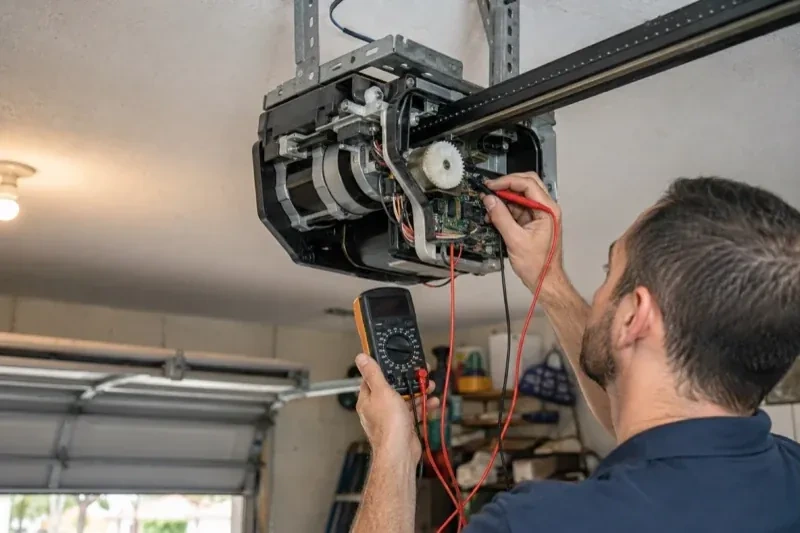
The physical part of the job is modest and tidy. A hub the size of a deck of cards is mounted near the opener and plugged into the same receptacle the motor uses. Where the opener allows, two low-voltage wires run from the hub to the wall-control terminals; where it does not, the hub is taught to the opener through the learn button like an extra remote. A sensor the size of a matchbox is screwed to the inside of the top door section, and its tilt tells the hub the door's position. Then the door is cycled until the app agrees with your eyes.
How the visit goesYour daughter gets home from school an hour before anyone else. She has lost two house keys this year, and the garage keypad code has been shared with half her class. You would rather open the door from your desk and know the moment she is in.
Mississauga
How the visit goes
The door before the app
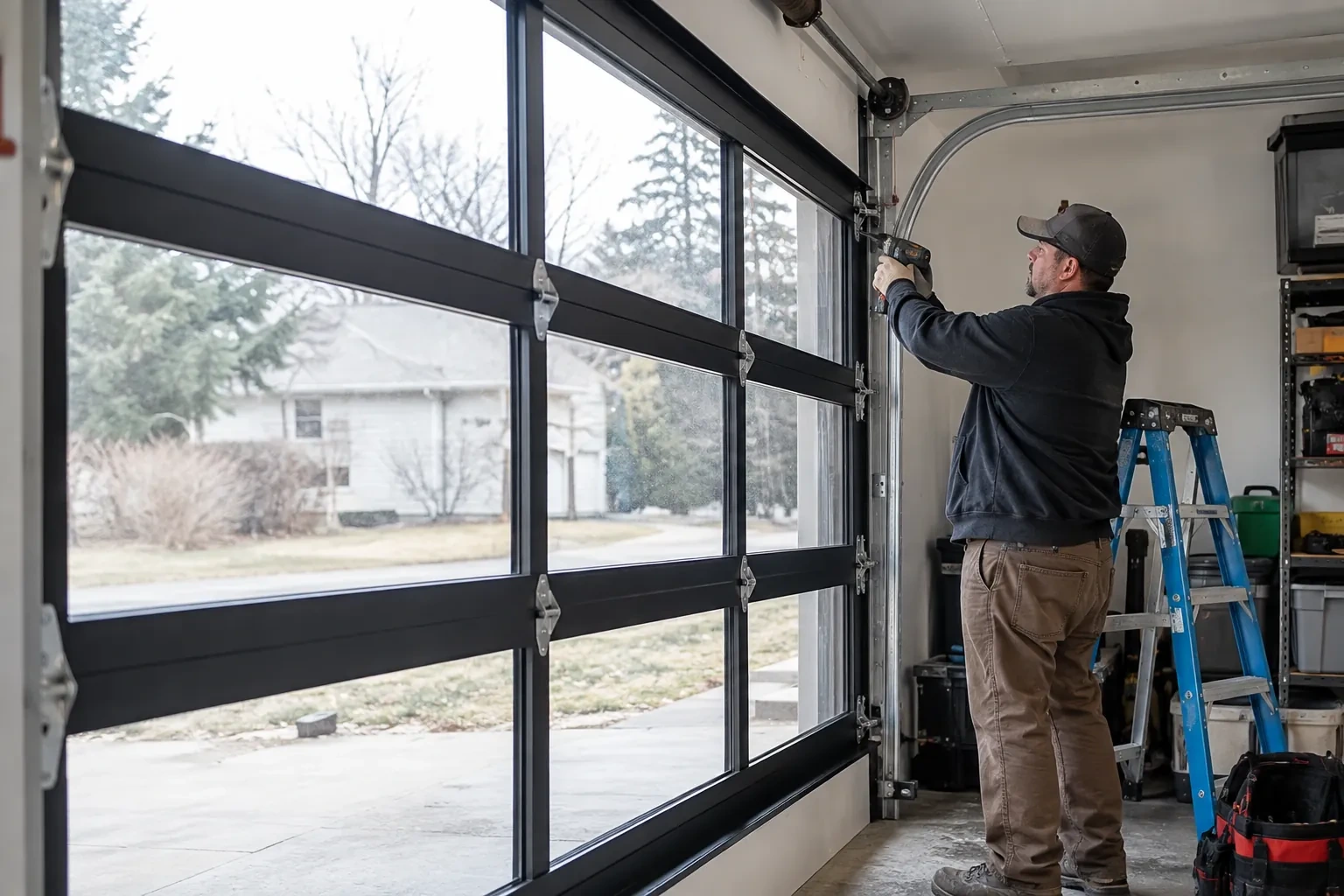
A smart controller sits on top of a mechanical system, so the mechanical system is checked first. With the door closed the trolley is released and the door lifted by hand: it should rise with modest effort, hold at about a metre and stay fully open. Rollers, hinges, cables and track are looked over, and the opener is run from the wall control to watch its travel and hear its drive. A balanced, smooth door gives the controller reliable position reporting and gives you an opener that is not straining every time your phone asks it to move. Anything found here is put right before the connected part begins.
The account, in the owner's hands
Account creation happens on the owner's own phone. The technician opens the right screen and explains each choice, and the owner types the email, chooses a password and sets the recovery method and, where offered, two-step verification. The technician does not see, record or photograph any of it. The door is given a name that will make sense in a notification, the home address is entered if the app uses location for reminders, and the time zone is confirmed so schedules and history line up with the clock on the wall. If the app asks for permissions on the phone, only the ones the features actually need are granted.
The monthly tests still matter
Adding a controller changes nothing about the physical checks the door needs, and adds one. Each month, lay a 2x4 flat under the door centre and close it; it must reverse on contact. Break the photo-eye beam with a broom handle while closing; it must stop and rise. Then close the door from the app out of sight, and listen for the beeper and watch for the light before movement. If any of the three fails, stop using the opener, move the door by hand only if it must move, and have a technician correct it before the opener is used again. These tests take a couple of minutes and are why remote closing can be trusted.
Smart Garage Controller Setup
In the van
- Plug-in power adapter
- Door-position tilt sensor
- Wi-Fi access point or extender
- A 2x4 offcut for the reversal test
- Receptacle splitter with approval mark
What affects the quote
Same fees day, night or weekend
1Distance to your address
Every visit includes the drive. A home a few streets from the shop and a property well outside town are different trips, and that shows in the quote.
2Door and opener condition
A heavy, binding or badly balanced door is corrected before a controller is added. That door-side work, from rollers to spring adjustment, is quoted on its own.
3Wireless coverage at the garage
A strong signal at the ceiling is a straightforward join. A weak one, common in detached garages, calls for an access point or extender, which is quoted separately.
Smart Garage Controller Setup: questions
Does the controller need the photo-eye sensors to work?
For remote closing, yes. Controllers built to the operator standard check for a working sensor circuit before allowing a close from out of sight, and the door must stop and reverse if the beam is broken. Opening remotely and checking status generally work regardless. If your photo eyes are missing, dark or misaligned, they are put right as part of getting the door ready for the feature you actually want.
Why does the door beep and flash before it closes from the app?
Because someone closing a door they cannot see needs to give anyone near it a warning. The operator standard for garage door openers requires an audible alarm and a flashing light for several seconds before a door moves on an unattended command, along with working photo eyes. The beeper and light are built into the controller for that reason, and they are tested during setup so you have heard them yourself.
Does the hub need its own power?
Yes, from a small plug-in adapter that goes into the same ceiling receptacle the opener uses. There is no battery in the hub itself, so it stays online as long as the receptacle is live. If that receptacle has no spare socket, an approved splitter can be used, or an electrical contractor can add a second receptacle. The adapter should carry a recognized Canadian approval mark, which the technician checks before plugging it in.
Openers & Access
Smart Garage Controller Setup near you
Businesses in Mississauga need doors that keep moving; homeowners need doors that are safe and quiet. We serve both. Commercial services include rolling and sectional door repair and operator replacement; residential services run from spring and roller work to openers, seals and new insulated doors.